Invoice template
Create a professional lawn care invoice online or download a fillable PDF.
Free lawn care template
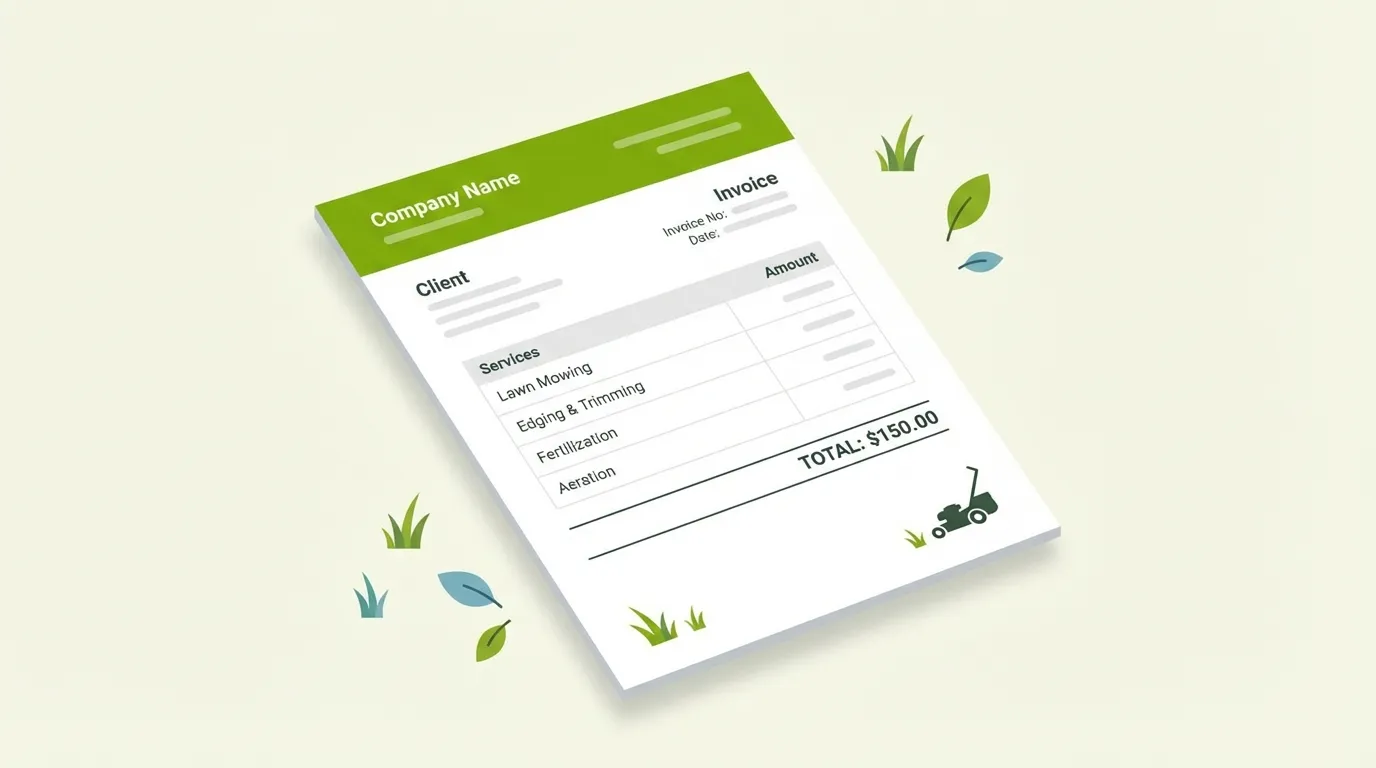
Built for lawn care, not generic businesses
-
Pre-filled service line items
Mowing, edging, hedge trimming, leaf removal, fertilization, aeration, mulch — all ready to go. Add custom services in blank rows.
-
Separate service address
Bill-to and service address fields for when you're invoicing a property manager or billing a different address than the job site.
-
Tax and payment terms
Subtotal, tax line, total due — plus editable payment terms so customers know exactly when and how to pay.
-
Online builder — no download needed
Fill in your invoice right on our site. Click "Save as PDF" when you're done. Works on phone, tablet, or computer.
-
Fillable PDF for phone and tablet
Tap any field and type — works natively on iPhone, iPad, Android, and any computer. Fill it out between jobs, right from the truck.
-
Save, print, email
Both versions output a clean PDF you can email, text, or print. Professional layout on standard letter paper, no wasted space.
How to use this template
- 1
Choose your method
Use the online builder to fill everything in your browser, or download the fillable PDF if you prefer working offline.
- 2
Fill in your details
Add your company name, customer info, services performed, and amounts. Pre-filled service rows make it fast.
- 3
Save as PDF
Click "Save as PDF" in the online builder, or use your device's print dialog. Clean, professional output every time.
- 4
Send to your customer
Email the PDF, text it, or hand them a printout. A professional invoice gets you paid faster and builds trust.
Get your free invoice template
No email, no sign-up, no strings attached. Just a clean, professional invoice you can use today.

Professional invoices are great. Never missing a call is better.
Tinylawn answers inbound calls, qualifies service requests, and keeps the original lead details available as the customer moves from intake to completed work.
Common questions
Is this invoice template really free?
Yes, 100% free. No email required, no sign-up, no catch. Use the online builder or download the PDF and start invoicing today.
What are the two options?
The online invoice builder lets you fill in your details right on our website and save as PDF — no download needed. The fillable PDF is a one-click download with form fields you can type into on any phone or computer. Both are free.
Can I use the online builder on my phone?
Yes. The builder is fully responsive. Fill in your invoice on your phone, tap "Save as PDF", and send it to your customer right from the job site.
Can I fill out the PDF on my phone?
Yes. iPhones open fillable PDFs natively in Files or Safari — just tap a field and type. On Android, most PDF viewers (Google Drive, Adobe Reader) support fillable fields. No special app needed.
What lawn care services are included on the template?
Both versions come pre-loaded with common lawn care and landscaping services: mowing, trimming/edging, hedge trimming, leaf removal, fertilization, aeration/overseeding, and mulch installation. There are also blank rows for any custom services you offer.
Does this work for landscaping, not just lawn care?
Absolutely. The template works for any outdoor service business—landscaping, hardscaping, tree care, irrigation, pest control, pressure washing. Just edit the service line items to match what you do.
Can I use this for recurring customers?
Yes. Fill in the customer details and service items, save as a PDF for that visit, then update the date and amounts for the next visit. For high-volume recurring invoicing, consider dedicated lawn care software that automates this process.
What makes this different from a generic invoice template?
This template was designed specifically for lawn care and landscaping businesses. It includes pre-filled service categories common to the industry and a separate service address field for when you bill one address but mow another.
I want to look more professional. What else can I do?
A professional invoice is a great start. The next step is keeping the original customer request just as organized. Tinylawn records inbound calls, qualifies opportunities, and keeps the lead details available throughout the customer relationship.