New lead
9:15 AM
Aeration and overseeding
52 Maple Ct.
Summary
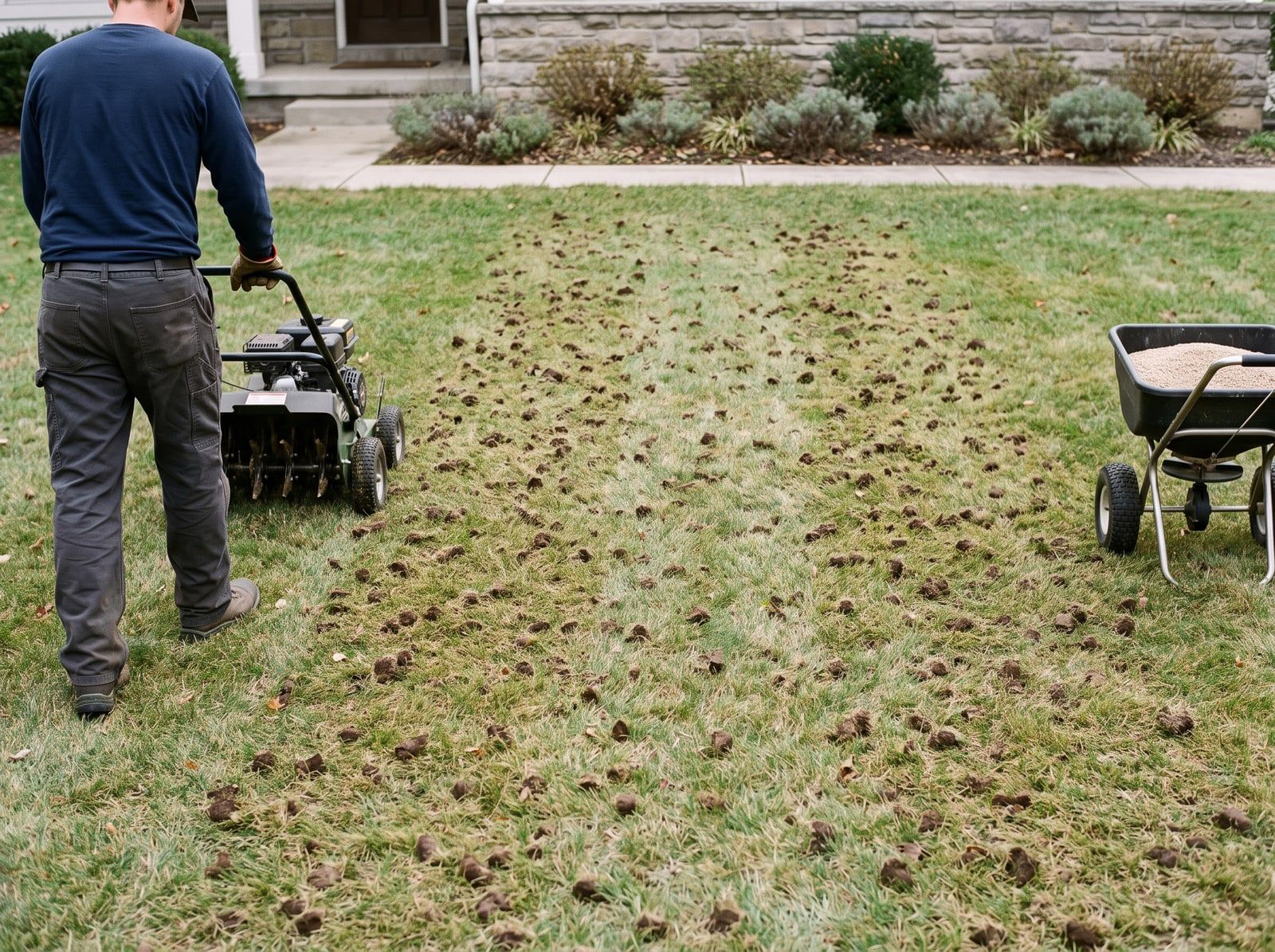
Wants a quote for fall aeration and overseeding, front and back. Bare spots in the front yard.
- Service
- Aeration, overseeding
- Notes
- Bare spots in front
- Called
- While your line was busy
A busy line no longer means voicemail. Calls that ring busy or go unanswered forward to Tinylawn, and each caller becomes its own lead.
Example call Busy season
Incoming call · 9:15 AM · Line busy
Hi, I’d like a quote for fall aeration and overseeding. The front yard has some bare spots.
What Tinylawn is doing: Keeps what they already said

Happy to help. What’s the address?
What Tinylawn is doing: Answers when your line is busy
52 Maple Court.
Thanks. Is the backyard part of it, or just the front?
What Tinylawn is doing: One useful follow-up, not a script
Lead ready Aeration + overseeding · 52 Maple Ct.
When the call ends, the request is already written up: who called, what they need, and what happens next.
No busy signal
Calls that would ring busy or go unanswered forward to Tinylawn instead of voicemail.
Your questions, every time
The questions you save come up on every matching call, however hectic the morning gets.
Nothing to staff up
No temporary phone shift. Only real calls count toward your plan.
New lead
9:15 AM
52 Maple Ct.
Summary
Wants a quote for fall aeration and overseeding, front and back. Bare spots in the front yard.
Tinylawn is the front office for incoming calls. Quotes, scheduling, dispatch, and invoicing stay in the software you already run the business on.
Return calls in order, not from memory
Every caller from the rush is its own lead with its own details, so nobody gets lost in the pile.
New leads can flow into Jobber, Housecall Pro, or your CRM through Zapier.
See integrationsThe calls on this page are written examples. This one is a real recording of Tinylawn answering the phone.

A real Tinylawn call
Ready to play
0:00 3:33“Mosquito season used to bury our office. Now callers get answered right away, the AI asks about standing water and bite areas, and our team starts the day with clean summaries.”
Start free for 14 days. No credit card.
Only real calls count toward your plan. Hang-ups and spam are free.
Annual includes 2 months free
For solo operators with lower call volume.
$49
/ month
Usage included
Plan limits
Recommended
For busy solo operators and established single-location businesses.
$129
/ month
Usage included
Everything in Pro, plus
For higher-volume businesses that need larger team and feature limits.
$249
/ month
Usage included
Everything in Growth, plus
Custom
For multi-location operators with more complex needs.
$499+
/ month
Usage included
Custom plan includes
Growth and Scale add team workflows and higher limits.
Set your carrier to forward calls to Tinylawn when your line is busy or nobody answers. Callers reach your greeting instead of voicemail, and Tinylawn collects the property address, services, and timing, then records the request for your team. Your team confirms availability and the next step.
It covers you whenever you cannot pick up: during route work, when multiple calls come in at once, after hours, or when you simply need backup during busy seasons. You do not have to manually “turn on” overflow for each surge; the AI is available to answer so missed rings do not turn into lost estimates or service calls.
Calls that would ring busy or go unanswered during storms, spring rush, or a marketing push forward to Tinylawn instead of voicemail. Each caller gets their questions answered from your business info and their request written down as its own lead, so a busy morning does not turn into a pile of voicemails.
On Growth and Scale, you can set live transfer rules, for example sending urgent problems to the owner or billing questions to the office. Without a matching transfer, Tinylawn takes a message with the details and alerts your team, without promising emergency service you have not offered.
Sep 02, 2026
What overflow call handling is, how it differs from after-hours coverage, what it costs, and how field service shops keep a busy line from dropping jobs.
Jul 11, 2026
Compare missed-call, after-hours, overflow, and full-call answering coverage so your field-service business can choose the right phone setup.
Mar 12, 2026
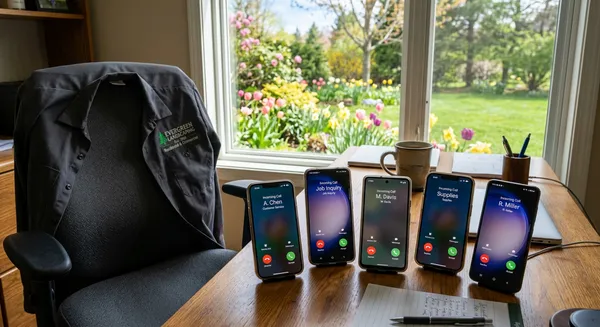
Spring call surges overwhelm landscaping companies every year. Here is what happens to your leads, your schedule, and your revenue when the phone won't stop ringing.