
AI receptionist for home service businesses

Every caller gets a helpful answer while you’re on a job. Tinylawn answers from your business info, recognizes returning callers, and sends your team the details.

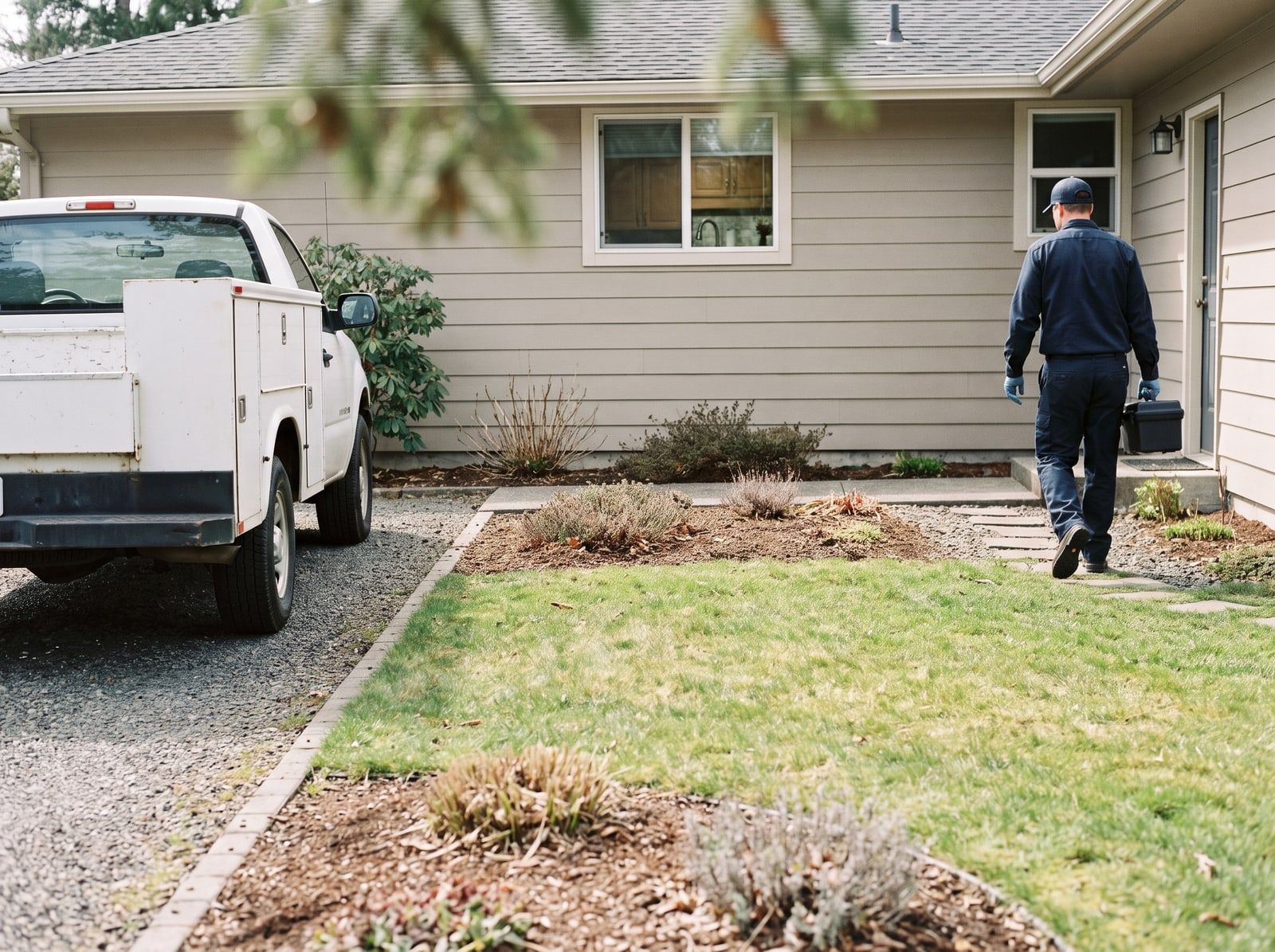
A pest control technician inspecting a house foundation with a flashlight while the homeowner waits nearby.

Example call With a customer

Incoming call · 10:05 AM

  1. Caller

    Hi, we’re seeing ants in the kitchen again. You treated us last spring.

    What Tinylawn is doing: Recognizes returning callers

  2. Tinylawn

    Sorry to hear that. Will this be at 88 Cedar Drive again, or a different property?

    What Tinylawn is doing: Offers the address on file

  3. Caller

    Same house.

  4. Tinylawn

    Okay. Are they mostly near the sink, or along the baseboards?

    What Tinylawn is doing: One useful follow-up, not a script

Lead ready Ant follow-up · 88 Cedar Dr.

Example call, With a customer, 10:05 AM. Caller: Hi, we’re seeing ants in the kitchen again. You treated us last spring. Tinylawn: Sorry to hear that. Will this be at 88 Cedar Drive again, or a different property? Caller: Same house. Tinylawn: Okay. Are they mostly near the sink, or along the baseboards? Result: Lead ready, Ant follow-up · 88 Cedar Dr..
  • Free for 14 days, no credit card
  • Plans from $49/month
  • Keep your existing number

What lands on your phone

When the call ends, the request is already written up: who called, what they need, and what happens next.

  • Returning callers recognized

    Tinylawn knows a returning number and can offer the address on file for a new request.

  • Answers from your business

    Your services, hours, published prices, and approved FAQs. If it doesn’t know, it takes a message instead of guessing.

  • Learns from calls, with your OK

    When callers ask something new, Tinylawn suggests an answer. Nothing changes until you approve it.

Returning customer

10:05 AM

Ant follow-up

88 Cedar Dr. · Address on file

Summary

Returning customer reports ants in the kitchen again, mostly near the sink. Mentioned a treatment last spring.

Service
Ant treatment
Where
Kitchen, near the sink
Caller said
Treated last spring
  • Recording
  • Transcript
  • Summary
Texted to you at 10:07 AM

Tinylawn takes the call. Your team keeps the job.

Tinylawn is the front office for incoming calls. Quotes, scheduling, dispatch, and invoicing stay in the software you already run the business on.

Your next move

Pick up where you left off

Where the ants are now and what the caller said about last spring are both on the lead before you call back.

New leads can flow into Jobber, Housecall Pro, or your CRM through Zapier.

See integrations

Getting set up

  1. Share your website Tinylawn learns your services, service area, hours, and FAQs from it.
  2. Forward the calls you miss Keep your number. Calls you don’t pick up go to Tinylawn.
  3. Set your rules Add your services, area, and FAQs. Tinylawn can learn them from your website.
See every AI receptionist feature

Hear a real call

The calls on this page are written examples. This one is a real recording of Tinylawn answering the phone.

A real Tinylawn call

Ready to play

0:00 3:33

A real Tinylawn call

0:00 3:33

  1. Checked open times
  2. Loaded the cleanup intake questions
  3. Saved the appointment request for the team

“The photo requests save us so much back-and-forth. Customers send pictures of damage, droppings, nests, or bugs, and we can decide whether to quote, inspect, or dispatch.”

Jasmine Patel Patel Pest & Termite

Pricing: Pricing. Less than a new hire.

Start free for 14 days. No credit card.

Only real calls count toward your plan. Hang-ups and spam are free.

Annual includes 2 months free

Pro

For solo operators with lower call volume.

$49

/ month

Start free trial

Usage included

  • 25 calls per month
  • $2.00 per additional call

Plan limits

  • 1 organization member
  • 2 call-handling scenarios
  • 1 notification recipient per channel
  • Live call transfers — not included
  • Team comments, @mentions, and roles — not included
  • Knowledge uploads — not included

Growth

Recommended

For busy solo operators and established single-location businesses.

$129

/ month

Start free trial

Usage included

  • 75 calls per month
  • $1.80 per additional call

Everything in Pro, plus

  • 5 live transfer destinations
  • 5 members with roles, comments, and @mentions
  • 25 Knowledge sources
  • 5 scenarios and recipients per channel

Scale

For higher-volume businesses that need larger team and feature limits.

$249

/ month

Start free trial

Usage included

  • 150 calls per month
  • $1.60 per additional call

Everything in Growth, plus

  • 10 live transfer destinations
  • 10 members with roles, comments, and @mentions
  • 50 Knowledge sources
  • 10 scenarios and recipients per channel
  • Priority email support

Enterprise

Custom

For multi-location operators with more complex needs.

$499+

/ month

Talk to our team

Usage included

  • Tailored call allowance and pricing

Custom plan includes

  • Custom feature and team limits
  • Multi-location requirements
  • White-glove onboarding
  • Custom support SLA
  • Enterprise-grade security

Included with every plan.

Growth and Scale add team workflows and higher limits.

Call handling

24/7 call answering
Included with every Tinylawn plan
Dedicated phone number
Included with every Tinylawn plan
Spam blocking
Included with every Tinylawn plan
Bilingual receptionist
Included with every Tinylawn plan

Every call

Call recordings, transcripts, and AI summaries
Included with every Tinylawn plan
FAQ answering and service suggestions
Included with every Tinylawn plan
Email, SMS, push, and daily digest notifications
Included with every Tinylawn plan

Lead intake

Lead qualification and structured intake
Included with every Tinylawn plan
Appointment scheduling and online booking forms
Included with every Tinylawn plan
QR codes
Included with every Tinylawn plan
ChatGPT and Claude connections for recent call details
Included with every Tinylawn plan
Automatic new-lead handoffs through Zapier
Included with every Tinylawn plan

Property and support

AI-powered virtual site visits
Included with every Tinylawn plan
Property photos and route distance calculation
Included with every Tinylawn plan
Email support and help center
Included with every Tinylawn plan

Questions about AI receptionist.

What does Tinylawn's AI receptionist do when someone calls my home service business?

It answers every call right away, greets callers professionally, and handles the routine parts of a first contact—like understanding what service they need, where they are, and when they want work done. It can qualify the lead against how you like to work and capture requested times so landscaping, pest control, and other home-service teams have the details ready to confirm the next step.

How does an AI receptionist compare to hiring a full-time or after-hours receptionist?

You get consistent coverage 24/7 without salaries, benefits, shift scheduling, or coverage gaps when someone is sick or on vacation. Tinylawn is built for home service businesses—especially landscaping and pest control shops—that lose jobs to voicemail, so you still sound professional while your crew stays focused on the job site.

How long does it take to get Tinylawn set up?

Most teams can go live quickly by connecting their phone flow and sharing how they take leads—services you offer, service areas, and booking rules. After you go live, Tinylawn surfaces questions and services callers ask about that you have not covered yet, so you can refine FAQs and your catalog from real demand. You do not need a long IT project to start answering calls better this week.

Can the AI handle landscaping, pest control, and other home-service questions?

Yes. You train Tinylawn on your services, pricing approach, and how you qualify jobs (for example mowing vs. design-build, or inspection vs. treatment). Callers get accurate, on-brand answers instead of a generic script. When callers ask about something missing from your FAQs or catalog, Tinylawn suggests updates for you to review—nothing publishes until you approve it—and you still get structured summaries so you know what to quote or follow up on.

Can my office team leave notes or assign follow-up on a call?

Yes, on Growth and Scale. After a call lands, your staff can leave an internal team comment on the call record and @mention a teammate. Mentions show up in the in-app Notifications bell and open the exact note—so follow-up stays on the call, visible to your organization, and not in a group text. Callers never see team comments.