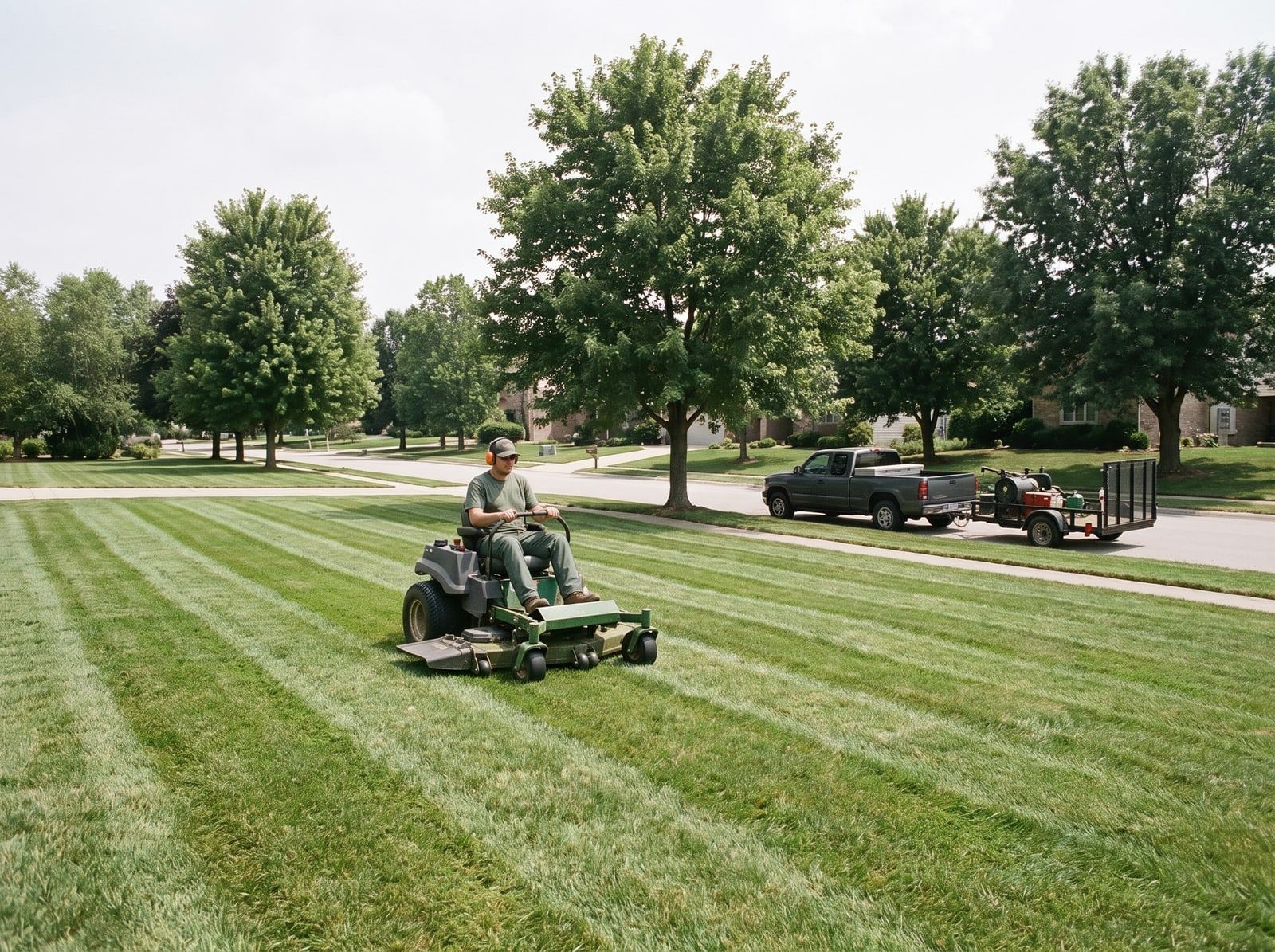


Book qualified intake appointments while interest is high

Tinylawn qualifies the caller, offers times from an intake calendar you control, and passes the opportunity to the scheduling tools you already use.

  1. Step 1:

    Ring

    A customer calls the number they already know.

  2. Step 2:

    Answer

    Tinylawn responds using your business rules.

  3. Step 3:

    Qualify

    The request becomes a structured opportunity.

  4. Focus
    Step 4:

    Handoff

    The details reach your team and existing tools.

Scheduling turns a ringing phone into a prepared next step.
  • Works with your existing number
  • Built for field-service intake
  • No credit card required

This fits when the phone keeps getting in the way

Start with the operational moment your team recognizes. Tinylawn applies your intake rules without changing how the rest of the workday runs.

  • New leads go cold before a callback
  • Manual intake consumes office time
  • The team needs a separate intake calendar
  • Owners want qualification before scheduling

Book the intake while interest is high

AI intake scheduling that qualifies a new opportunity before placing it on a calendar you control

  • Reduce back-and-forth on new leads
  • Offer times based on your availability rules
  • Collect the details needed before the appointment
Tinylawn booking form for scheduling an intake appointment

What Tinylawn handles, and what your team gets back

Tinylawn follows your services, availability, service area, and handoff workflow so the result fits the way your team already works.

What it handles

  • Qualified intake appointment booking
  • Availability and service rules
  • Customer confirmations
  • Rescheduling and cancellation support
  • Lead details attached to the appointment
  • Handoff to existing scheduling workflows

What your team gets back

  • Book the intake while interest is high
  • Reduce back-and-forth on new leads
  • Offer times based on your availability rules
  • Collect the details needed before the appointment
  • Hand approved work to your existing field-service tools

Pricing: Pricing. Less than a new hire.

Start free for 14 days. No credit card.

Only real calls count toward your plan. Hang-ups and spam are free.

Annual includes 2 months free

Pro

For solo operators with lower call volume.

$49

/ month

Start free trial

Usage included

  • 25 calls per month
  • $2.00 per additional call

Plan limits

  • 1 organization member
  • 2 call-handling scenarios
  • 1 notification recipient per channel
  • Live call transfers — not included
  • Team comments, @mentions, and roles — not included
  • Knowledge uploads — not included

Growth

Recommended

For busy solo operators and established single-location businesses.

$129

/ month

Start free trial

Usage included

  • 75 calls per month
  • $1.80 per additional call

Everything in Pro, plus

  • 5 live transfer destinations
  • 5 members with roles, comments, and @mentions
  • 25 Knowledge sources
  • 5 scenarios and recipients per channel

Scale

For higher-volume businesses that need larger team and feature limits.

$249

/ month

Start free trial

Usage included

  • 150 calls per month
  • $1.60 per additional call

Everything in Growth, plus

  • 10 live transfer destinations
  • 10 members with roles, comments, and @mentions
  • 50 Knowledge sources
  • 10 scenarios and recipients per channel
  • Priority email support

Enterprise

Custom

For multi-location operators with more complex needs.

$499+

/ month

Talk to our team

Usage included

  • Tailored call allowance and pricing

Custom plan includes

  • Custom feature and team limits
  • Multi-location requirements
  • White-glove onboarding
  • Custom support SLA
  • Enterprise-grade security

Included with every plan.

Growth and Scale add team workflows and higher limits.

Call handling

24/7 call answering
Included with every Tinylawn plan
Dedicated phone number
Included with every Tinylawn plan
Spam blocking
Included with every Tinylawn plan
Bilingual receptionist
Included with every Tinylawn plan

Every call

Call recordings, transcripts, and AI summaries
Included with every Tinylawn plan
FAQ answering and service suggestions
Included with every Tinylawn plan
Email, SMS, push, and daily digest notifications
Included with every Tinylawn plan

Lead intake

Lead qualification and structured intake
Included with every Tinylawn plan
Appointment scheduling and online booking forms
Included with every Tinylawn plan
QR codes
Included with every Tinylawn plan
CRM and field-service integrations via Zapier
Included with every Tinylawn plan

Property and support

AI-powered virtual site visits
Included with every Tinylawn plan
Property photos and route distance calculation
Included with every Tinylawn plan
Email support and help center
Included with every Tinylawn plan

Questions about Scheduling.

How does AI appointment scheduling work for lawn care calls?

When someone calls about mowing, fertilization, or a landscaping project, Tinylawn’s AI gathers the job details, checks the hours and availability you set, and books an intake on your calendar—without the back-and-forth texts and missed callbacks. Qualified leads move straight from the phone call to a booked intake you confirm and then run in your scheduling software.

Does Tinylawn replace my scheduling or field service software?

No. Tinylawn is the intake layer in front of your operation, not a replacement for it. It answers, qualifies, and books the intake so you can confirm the qualified lead and dispatch, route, and invoice the job in the tools you already use—like Jobber, Housecall Pro, and your CRM. Qualified lead details can flow into those tools automatically through Zapier.

Does Tinylawn connect to my existing calendar and tools?

Yes. Tinylawn books intakes onto your calendar and can pass qualified leads to the CRM and field service software you already use. You set the hours, buffers, and service areas you want the AI to honor, and it only offers times you are actually free—then you confirm and schedule the job in your own system.

How does Tinylawn avoid booking intakes when you are not available?

The AI books against the availability you set, so once a window is taken it is not offered to the next caller. That keeps your intake calendar clean and reduces overpromising on crew time before you confirm the job and move it into your scheduling software.

Can new customers book after hours or on weekends?

Absolutely. Many lawn and landscape leads call in the evening or on weekends when homeowners are home. Tinylawn answers those calls 24/7 and can lock in an intake while competitors are still on voicemail, so you capture peak-season demand when it happens.